
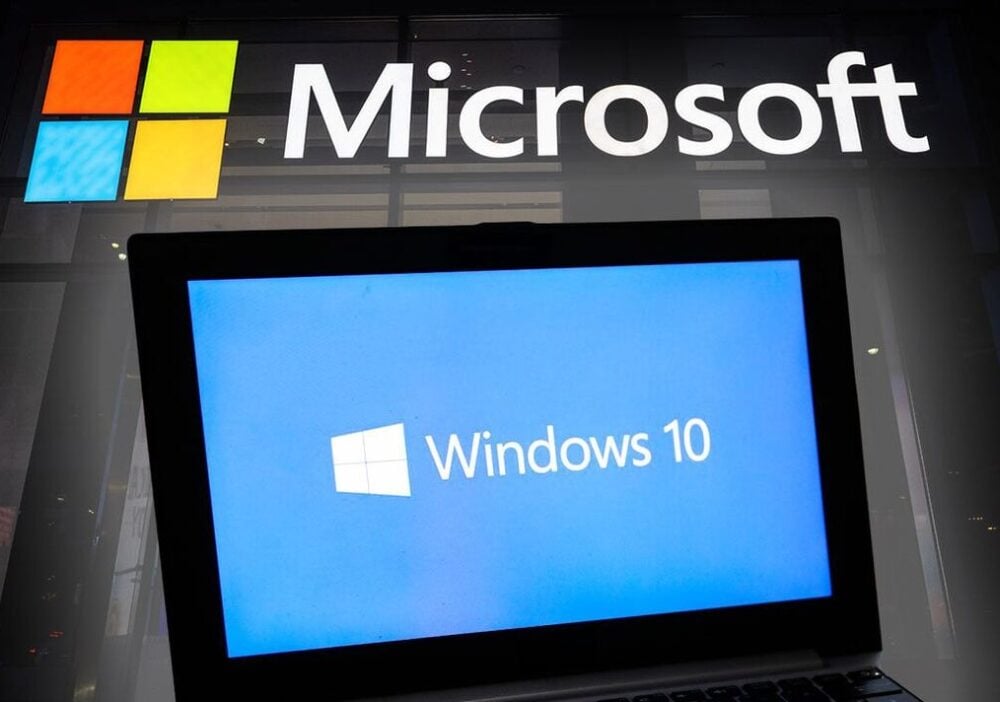
If you’re using a computer with Windows 10, there’s an important change coming: On October 14, 2025, Microsoft will stop supporting this version of its Windows operating system.
What this means for you
Your computer won’t suddenly stop working after that date — you’ll still be able to turn it on and off, browse the internet, and use your files. But it will become more risky to use in the following ways:
- No more security updates – which makes your PC more vulnerable to hackers, viruses, and scams.
- No new features or bug fixes – things may slowly become outdated or stop working with newer apps.
You won’t be entitled to official technical support from Microsoft and any issues may become challenging to resolve on your own or even with the help of a qualified third party. You will also be more vulnerable to fraud, identity theft or loss or theft of data, including sensitive information. Your computer will be more susceptible to infection from viruses including spyware and ransomware.
The only updates that will continue until 2028 are basic antivirus updates for Microsoft Defender — but this will not be enough to keep your computer fully protected.
Your options
- Upgrade to Windows 11
-
- This is Microsoft’s recommended path. Windows 11 is faster, more secure, and designed to handle modern apps and online threats better than Windows 10.
- It includes new tools to make multitasking easier, a cleaner look, and extra accessibility features like live captions and voice controls.
How to upgrade to Windows 11
Many PCs that run Windows 10 can be upgraded to Windows 11 free of charge. You can check this by going to Settings > Update & Security > Windows Update and following the steps.
2. Use Extended Security Updates (ESU)
-
- If your computer can’t run Windows 11 (or you’re not ready to switch), Microsoft is offering a programme called Extended Security Updates (ESU).
- This provides critical security patches to help keep Windows 10 safer for a while longer.
- For home users, enrolment can be done directly through your PC settings. There are some free options (through Windows Backup or Microsoft Rewards), or a paid plan (about £25 per year).
- Businesses pay more, but cloud and virtual environments get this coverage automatically.
3. Consider Windows 365 (Cloud Option)
-
- If you’d rather not upgrade your current computer, Microsoft also offers Windows 365, which lets you securely use Windows 11 through the cloud, from almost any device.
Why you shouldn’t ignore this
Staying on Windows 10 without updates after October 2025 means leaving your computer open to growing security risks. Cybercriminals often target older, unsupported systems — and without security patches, your personal information could be at risk.
What to do next
- Check if your PC can run Windows 11 – open your settings and look for the upgrade option.
- Back up your files before making changes.
- Decide between upgrading to Windows 11 or using ESU if your device can’t be upgraded.
- Don’t wait until the last minute – upgrading early gives you time to adjust and ensures your computer stays safe.